
Comparison
Comparison Tables
This page gives you a complete overview of Bosch e-bike motor generations, system compatibility, and the difference between browser-based software unlocking and classic hardware tuning. Use the sections below to jump directly to the topic you need.
- 1) Bosch Motor Generations Explained
- 2) EBT Unlock Key & EBTsmart Unlock Key – Overview Table
- 3) Bosch Gen4: BES2 vs BES3 / Smart System
- 4) Software Unlocking vs Hardware Tuning
1) Bosch Motor Generations Explained
Bosch e-bike motors are often referred to as Gen1, Gen2, Gen3, Gen4 or Gen5. In practice, however, the key factor is not just the motor name, but the underlying electronic system architecture: BES1, BES2 or BES3. That system determines which unlock solution is relevant.
For many BES1 / BES2 bikes, the correct product is the EBT Unlock Key. For Bosch Smart System / BES3, the correct product is the EBTsmart Unlock Key.
Bosch Gen1 – Classic Line / BES1
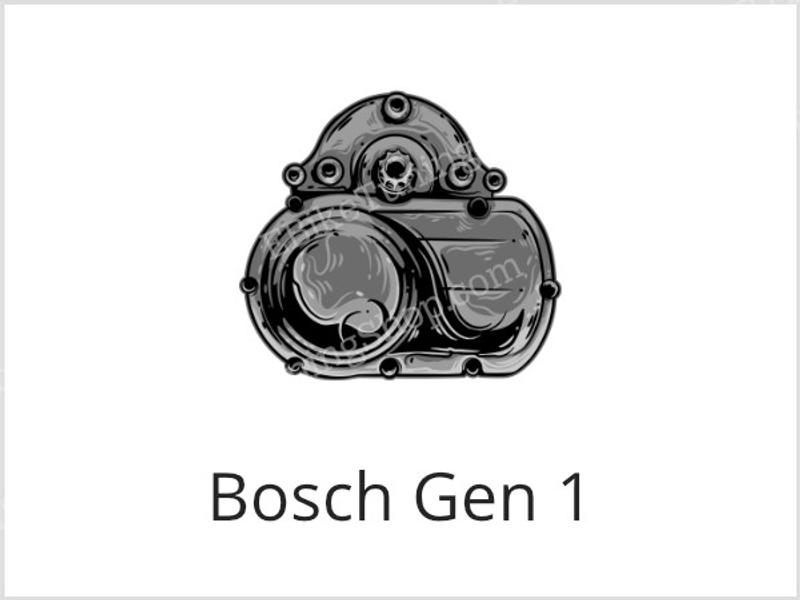
Bosch Gen1 systems are the earliest Bosch e-bike generation. The crucial distinction here is the display type. Gen1 with Intuvia can be used with the EBT Unlock Key, while Gen1 with HMI display is not supported. On supported Gen1 systems, display values remain correct after unlocking. Learn more about Bosch Gen1 tuning
Bosch Gen2 – Active Line / Performance Line / BES2
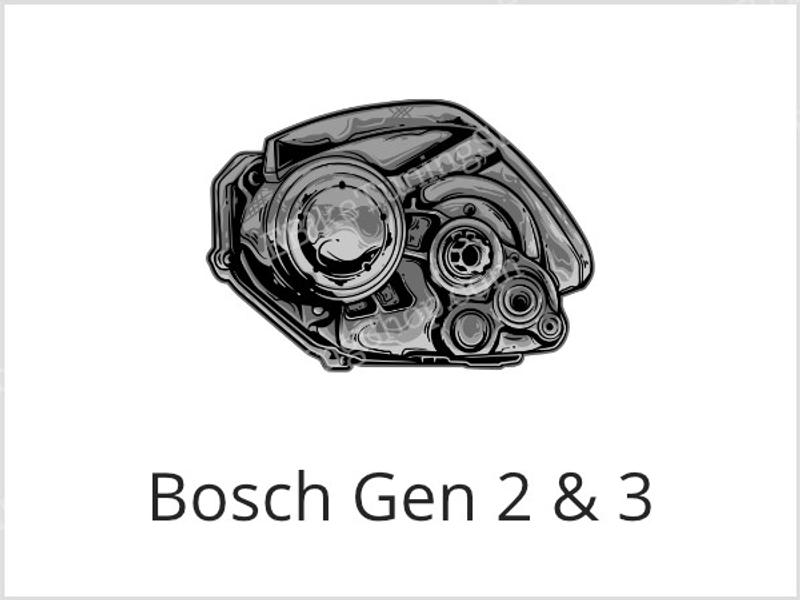
Bosch Gen2 introduced the next major platform generation and is supported by the EBT Unlock Key. These systems usually work with displays such as Intuvia, Nyon or Purion. During riding, the displayed speed is typically shown at half the actual value when unlocked. This is normal for these systems. Learn more about Bosch Gen2 tuning
Bosch Gen3 – Active Line Plus / Performance Line / BES2
Bosch Gen3 remains part of the BES2 world and is also compatible with the EBT Unlock Key. As with Gen2, display values during riding are typically divided rather than shown as full real values. These systems are common on city, trekking and hybrid bikes. Learn more about Bosch Gen3 tuning
Bosch Gen4 – BES2 or BES3, depending on the charging port
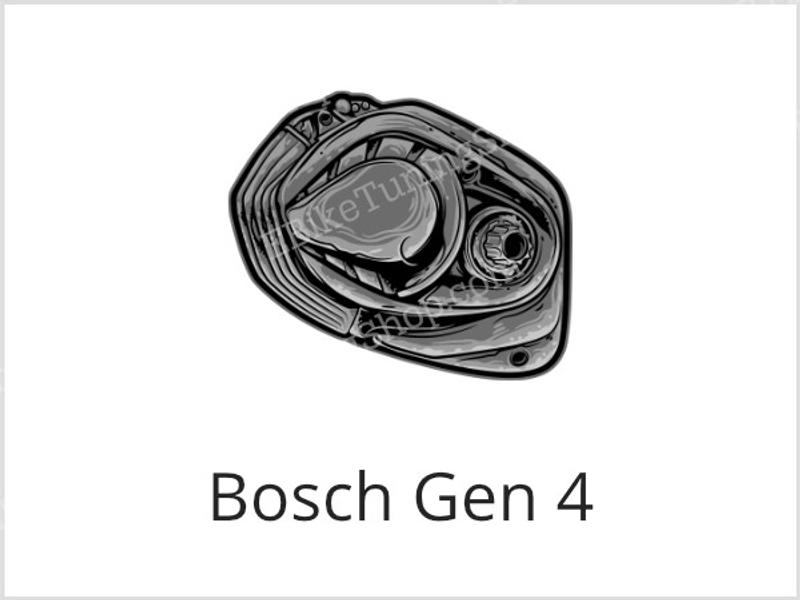
Bosch Gen4 is where many compatibility questions begin. Not every Gen4 bike uses the same system. Some Gen4 bikes still belong to BES2, while others already use BES3 / Bosch Smart System. The easiest way to identify them is the charging port shape:
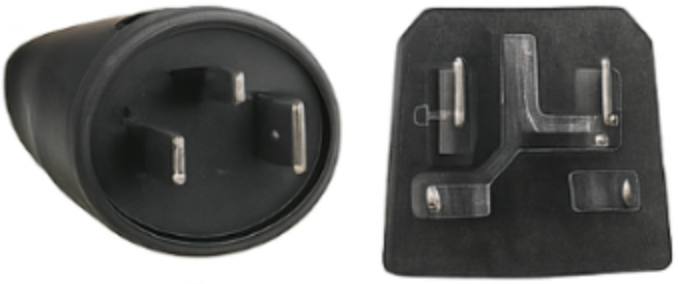
- Round charging port = BES2 → use the EBT Unlock Key
- Square charging port = BES3 / Smart System → use the EBTsmart Unlock Key
For classic Gen4 on BES2, see: Bosch Gen4 BES2 tuning.
Bosch Gen4 (BES3) – Smart System transition generation
Bosch Gen4 on BES3 / Smart System is already part of the newer Bosch architecture and therefore requires the EBTsmart Unlock Key. These bikes often use Smart System components such as Kiox 300, Kiox 500, Intuvia 100, Purion 200, LED Remote and the Flow app. In Stage 1, support goes up to 32 km/h with correct values. In Stage 2, support can be extended up to 45 km/h, but displayed values are no longer accurate from around 22 km/h. Learn more about Bosch Gen4 BES3 tuning
Bosch Gen5 (BES3) – latest Smart System generation
Bosch Gen5 belongs fully to the Smart System / BES3 world and is handled by the EBTsmart Unlock Key. Depending on the selected mode:
- Stage 1: assistance up to 32 km/h with correct display values
- Stage 2: assistance up to 45 km/h, but display values are no longer accurate from around 22 km/h
ABS note: On Bosch Gen5 / Smart System bikes, ABS is supported only up to 32 km/h. The 45 km/h mode is not available with ABS. Learn more about Bosch Gen5 BES3 tuning
2) EBT Unlock Key & EBTsmart Unlock Key – Overview Table
The table below gives you a practical overview of Bosch generations, display behaviour and the correct licence-based solution. It also shows where ABS is supported and where it is not.
Comparison Table: Bosch Systems & Unlock Key Compatibility
| System / Motor Family | Typical Display / Setup | Electronic Platform | Correct Product | Display Behaviour | ABS |
|---|---|---|---|---|---|
| Bosch Gen1 Classic | HMI | BES1 | No compatible licence solution | – | Not supported |
| Bosch Gen1 Classic | Intuvia | BES1 | EBT Unlock Key | Correct values | Not supported |
| Bosch Gen2 Active / Performance | Intuvia / Nyon / Purion | BES2 | EBT Unlock Key | Divided values while riding | Not supported |
| Bosch Gen3 Active Line / Active Line Plus / Performance | Intuvia / Nyon / Purion | BES2 | EBT Unlock Key | Divided values while riding | Not supported |
| Bosch Gen4 BES2 | Intuvia / Kiox / Nyon / Purion | BES2 | EBT Unlock Key | Divided values while riding | Not supported |
| Bosch Gen4 BES3 | Kiox 300 / Kiox 500 / Intuvia 100 / Purion 200 / LED Remote / etc. | BES3 | EBTsmart Unlock Key | Stage 1: correct up to 32 km/h Stage 2: not accurate from around 22 km/h |
Supported up to 32 km/h only |
| Bosch Gen5 BES3 | Kiox 300 / Kiox 500 / Intuvia 100 / Purion 200 / LED Remote / etc. | BES3 | EBTsmart Unlock Key | Stage 1: correct up to 32 km/h Stage 2: not accurate from around 22 km/h |
Supported up to 32 km/h only |
3) Bosch Gen4: BES2 vs BES3 / Smart System
Important compatibility tip: Bosch Gen4 is not one single system. There are two different electronic platforms behind the Gen4 label:
- Gen4 with BES2 → compatible with the EBT Unlock Key
- Gen4 with BES3 / Smart System → requires the EBTsmart Unlock Key
In practical terms, the fastest way to identify the correct system is by looking at the charging port:
- Round charging port = BES2
- Square charging port = BES3 / Smart System
If your bike uses components such as Kiox 300, Kiox 500, Intuvia 100, Purion 200, LED Remote or the Flow app, it is usually part of the Bosch Smart System.
Comparison Table: Bosch Gen4 BES2 vs BES3
| Feature | Gen4 BES2 | Gen4 BES3 / Smart System |
|---|---|---|
| Charging port | Round | Square |
| Typical displays / remotes | Purion, Intuvia, Nyon, Kiox | LED Remote, Kiox 300, Kiox 500, Intuvia 100, Purion 200 |
| Correct product | EBT Unlock Key | EBTsmart Unlock Key |
| Display behaviour | Divided values while riding | Stage 1: correct up to 32 km/h Stage 2: not accurate from around 22 km/h |
| ABS support | Not supported | Supported only up to 32 km/h |
| Connectivity | BES2 | BES3 / Flow app ecosystem |
| Update path | Classic Bosch service environment | Smart System / Flow-based environment |
4) Software Unlocking vs Hardware Tuning
There is no one-size-fits-all tuning solution. Some riders prefer classic hardware products, while others prefer a licence-based browser solution. The table below compares the two approaches from a practical point of view.
The EBT Unlock Key and EBTsmart Unlock Key represent the software-based approach: no physical modification of the motor housing, no chip installation and no dongle. Hardware products, by contrast, usually rely on additional components fitted to the bike.
Comparison Table: Software Unlocking vs Hardware Tuning
| Feature | Software Unlocking (EBT Unlock Key / EBTsmart Unlock Key) |
Hardware Tuning (e.g. chip, dongle or sensor-based solutions) |
|---|---|---|
| How it works | Licence-based activation via browser and USB | Physical hardware added to the bike |
| Installation effort | No motor disassembly | Usually requires fitting hardware components |
| Visible modification | No visible hardware modification | Additional component or changed wiring may be present |
| Enable / disable | Via browser platform | Depends on the hardware solution |
| Reset to original state | Possible via the same platform | Depends on the hardware solution and installation |
| Updates / adjustments | Handled through the software platform | Depends on the product, sometimes limited |
| Compatibility logic | Depends on Bosch system generation (BES1 / BES2 / BES3) | Depends on each hardware product and motor setup |
| ABS handling | EBT Unlock Key: not supported EBTsmart Unlock Key: up to 32 km/h only |
Varies by hardware solution |
| Technical skills required | Basic browser / USB handling | Usually some mechanical or electrical handling |
| Use on multiple bikes | One licence per bike | Usually one hardware unit per bike |
| Legal road use | Not legal on public roads | Also not legal on public roads |
| Typical entry cost | From €69 depending on product and licence pack | Varies by hardware product and configuration |